Getting started
Start from a theme
A theme is a ready-made website you can make your own. Each theme is designed for one kind of business, such as a tradesperson, a café, a coach or a portfolio. Pick one, then replace the words and pictures with yours.
Pick a theme
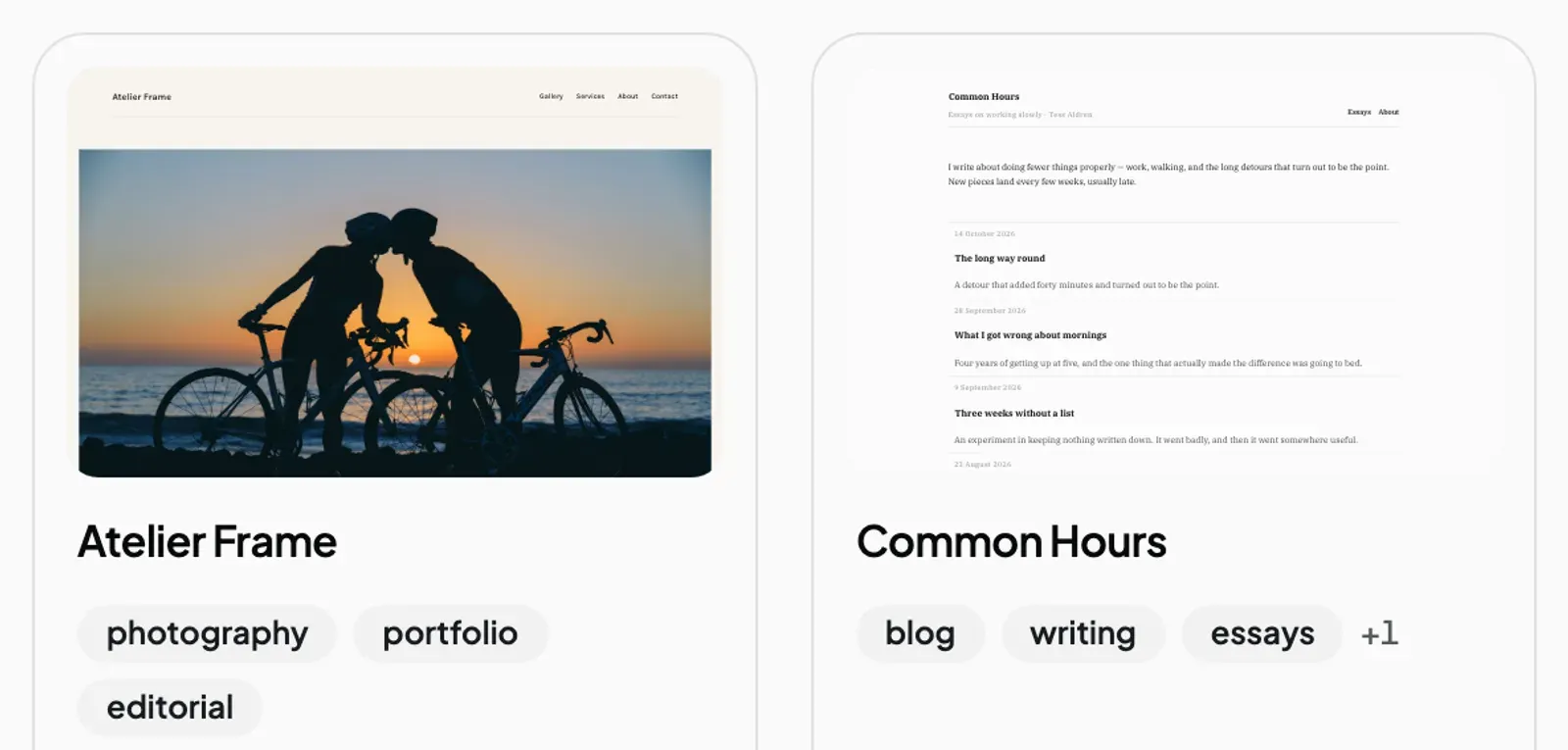
- Go to the New site screen.
- Click the Start from a theme tab.
- To look at a theme first, click Preview. It opens in a new tab, and nothing is set up yet.
- When you have found one you like, click Use this theme.
The theme shows Setting up…, then Ready. Your new site is ready to edit.
Check the page count. The free plan allows 5 pages per site, but some themes come with more. Common Hours, for example, has 8. You keep all of them, but you cannot add a new page until you delete enough to get under 5, or upgrade to Pro. Delete any pages you do not need.
Replace the sample text. Everything in a theme is made up for the demo: names, prices, phone numbers and service areas. Replace all of it with your own details before you publish.
If it fails
If setting up a theme fails, the theme shows Didn’t take — retry. Click it to try again.
If the themes do not appear at all, you see “Could not load the themes”. Reload the page.
Next steps
Still stuck? Contact us and we will help.