Guides
Step-by-step help for building, editing and publishing your website.
New to Joybird? Start here
These 4 guides take you from an empty account to a live page.
Browse every guide
Getting started
-
Create your first site
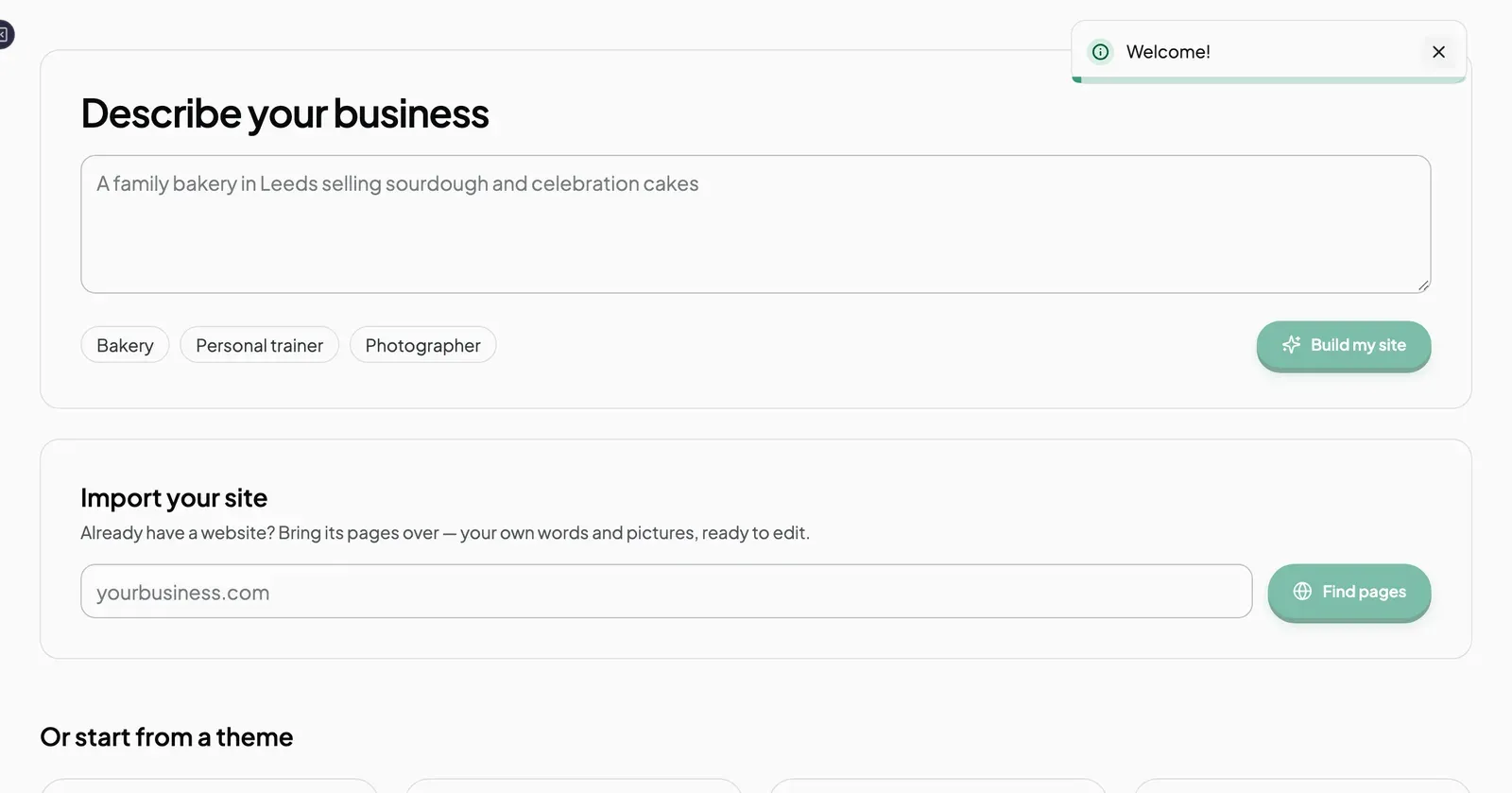
Start a Joybird site by describing your business, importing a site you already have, or picking a theme.
-
Build a site from a description
Describe your business in a sentence, review the plan Joybird proposes, and have every page built for you.
-
Start from a theme
Preview the theme gallery and set up a site from a ready-made design.
-
Move your site to Joybird
Import the pages of a website you already have, review the result, and publish when you are ready.
Editing
-
Tour of the editor
What each part of the Joybird editor does, from the top bar to the right-hand panel.
-
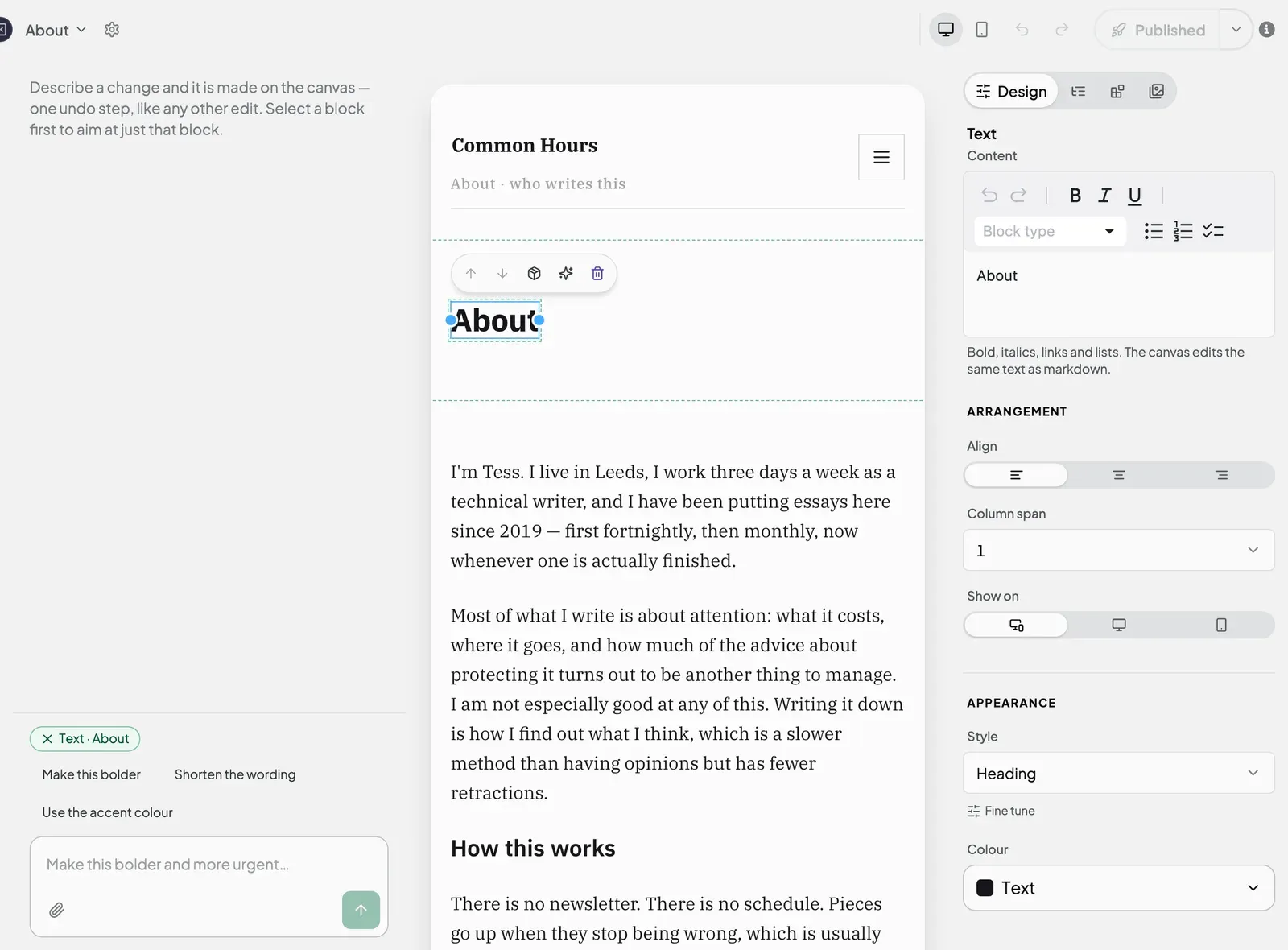
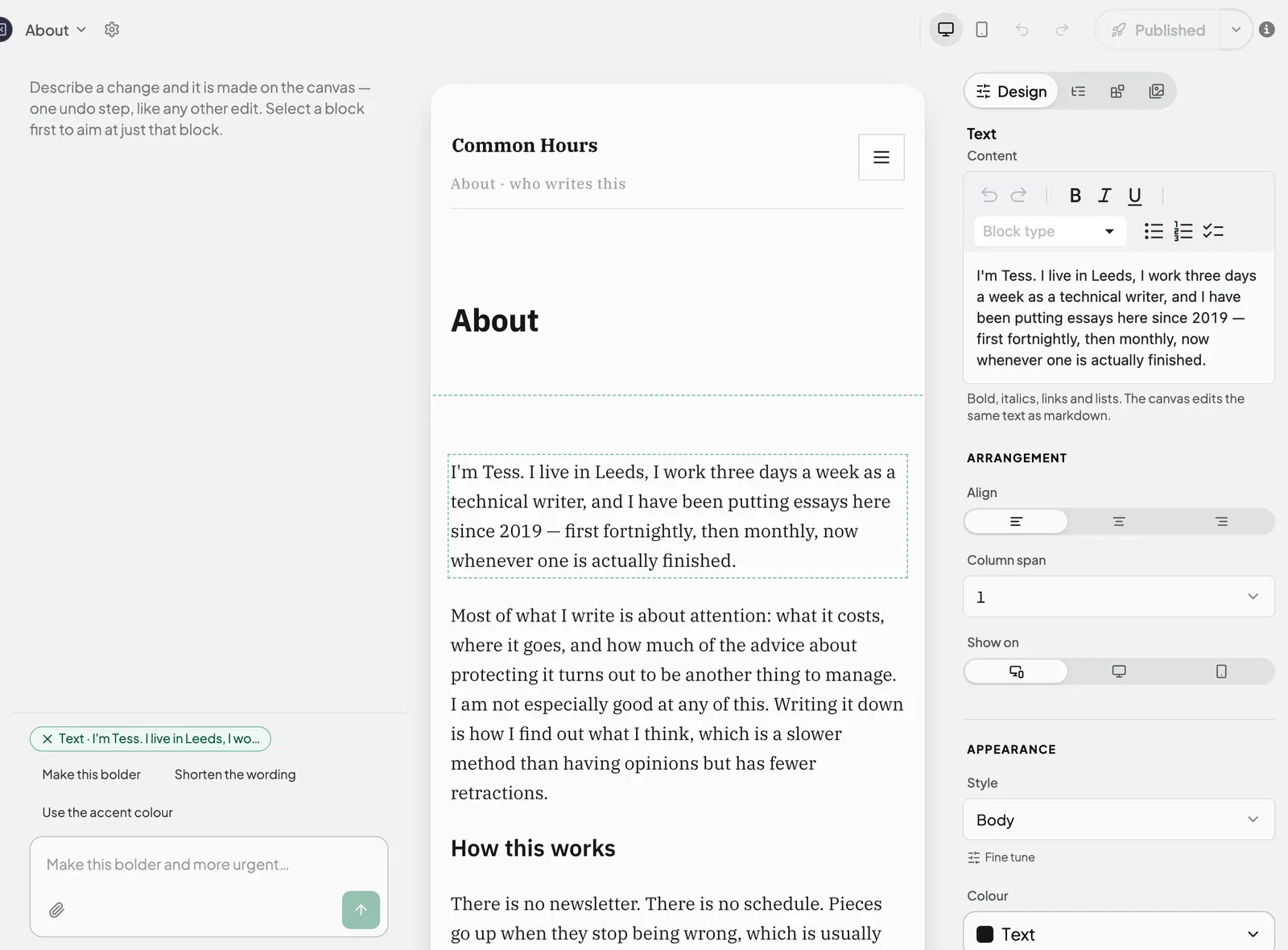
Edit text, images and buttons
Change the words on a page, swap a picture, and point a button somewhere new.
-
Add, move and delete blocks
Build up a page from blocks, rearrange them in Page Structure, and remove what you do not need.
-
Use the AI to change a page
Select a block, tell the AI what to change, and keep or undo the result.
Pages and publishing
-
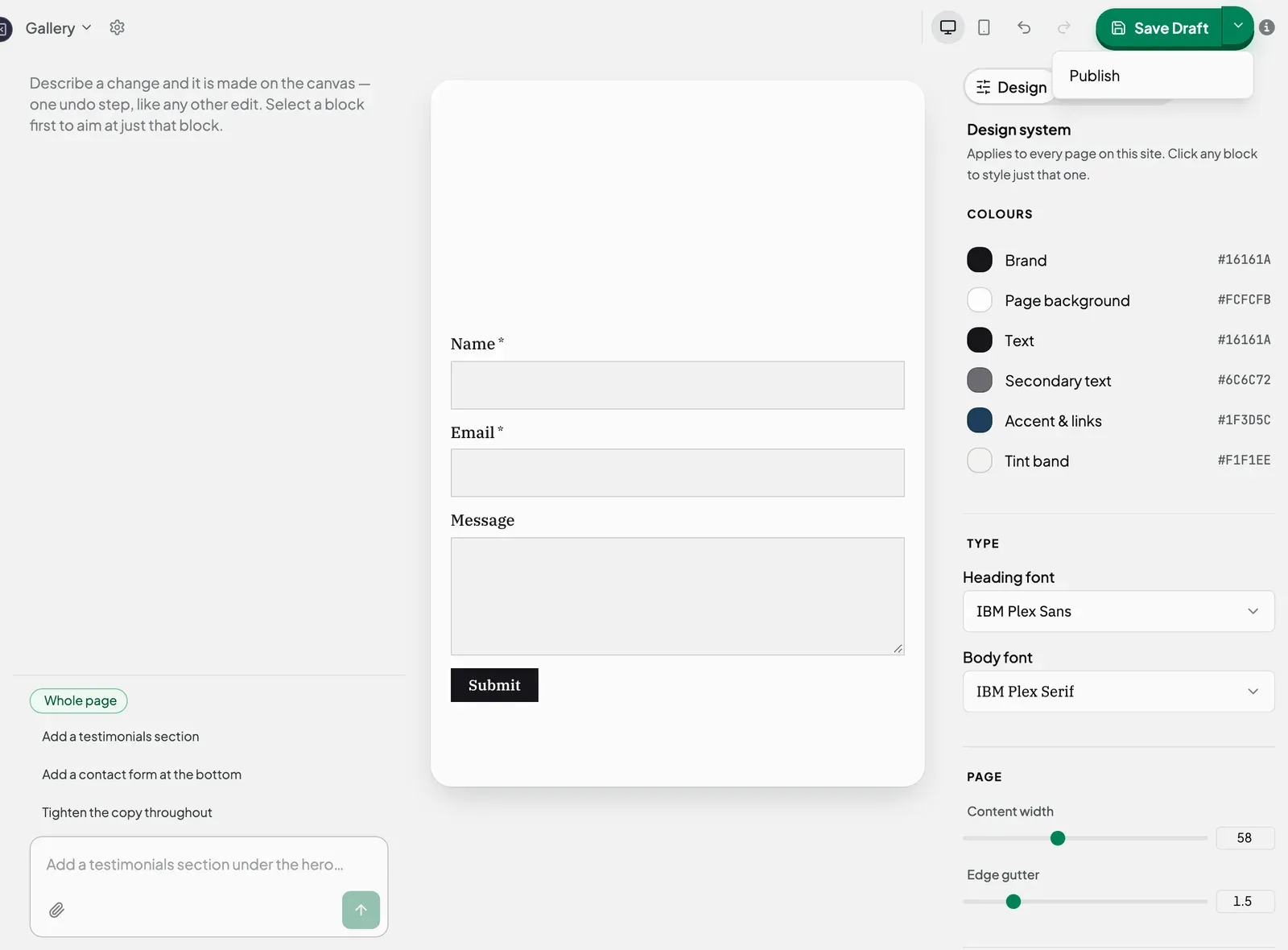
Publish a page
Put a page on your live site, update it, take it back to a draft, and understand what the publish button is telling you.
-
Add, rename and delete pages
Create a new page, copy an existing one, find a page fast, and remove one you no longer need.
-
Page settings
Rename a page, change its URL, add a one-line summary and tag it.
Domains
Content and forms
Account and plans
-
Free and Pro: what you get
What is included on the free plan, what Pro adds, and what each costs.
-
AI credits: how many you have and what they cover
How AI credits work, how far 300 or 2,000 go, where to see what you have used, and what happens when they run out.
-
Upgrade, manage billing and cancel
Move to Pro, update your payment details, switch back to Free, and see when your plan changes.