Getting started
Create your first site
There are three ways to start a Joybird site. Pick the one that fits what you have today.
The free plan stays free. There is no trial period, and you do not need to enter a card.
Before you start
You need a Joybird account. Sign up from the homepage. When you do, you land on the New site screen.
Already have a site and want another? Open the site menu at the top of the left sidebar and choose New site.
Choose how to start
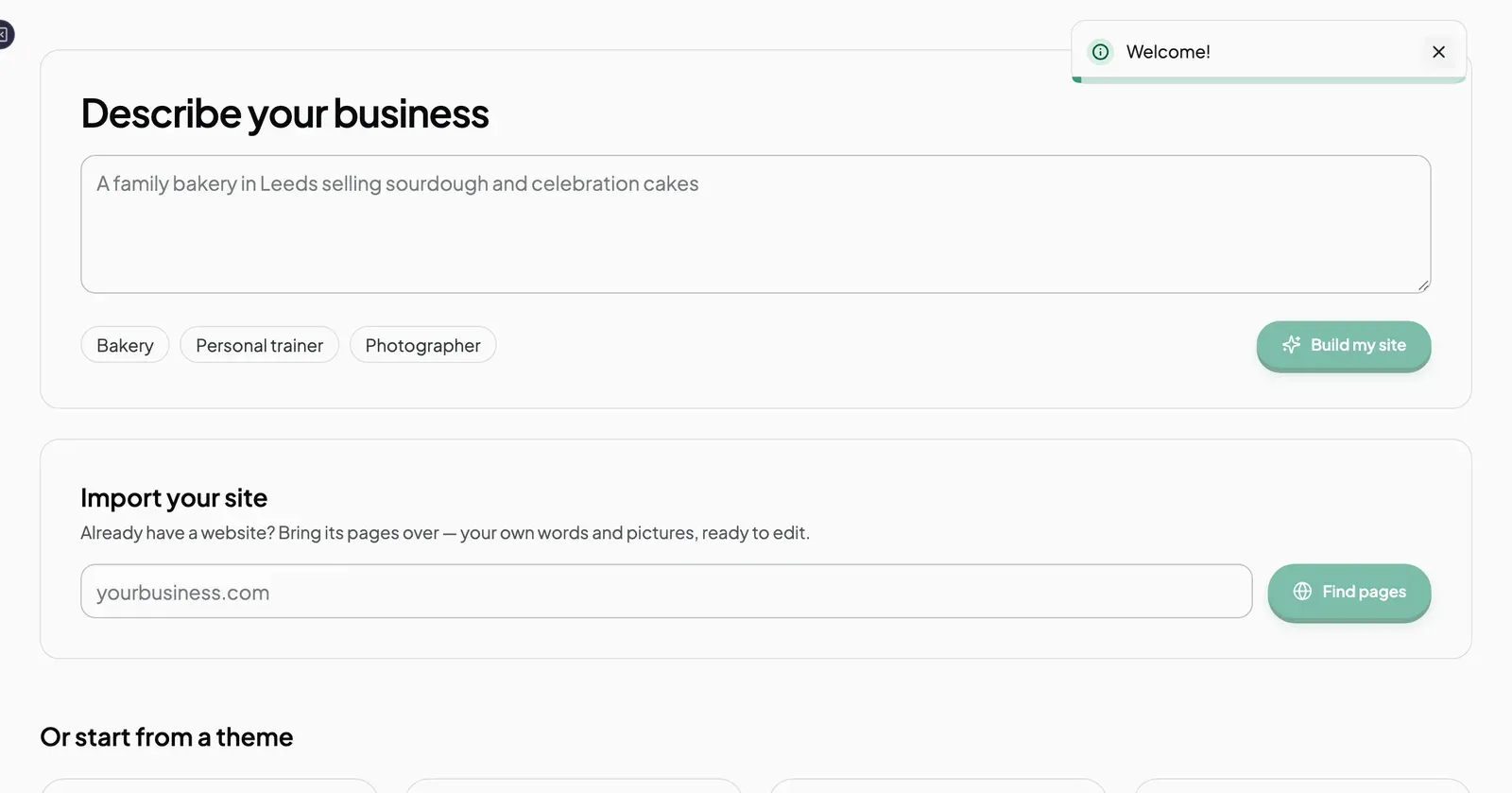
| If you have… | Use | Guide |
|---|---|---|
| An idea of your business, but no site yet | The Describe your site tab. Joybird’s AI builds the site for you. | Build a site from a description |
| A site on Wix, Squarespace or elsewhere | The Import from an existing site tab. Type your current web address in the box. | Move your site to Joybird |
| A look in mind | The Start from a theme tab. Pick a ready-made design. | Start from a theme |
What you get
Whichever way you start, you end up with a site you can edit. Your pages start as drafts, so no one else can see them until you publish. See Publish a page.
Next steps
Still stuck? Contact us and we will help.