Domains
Buy a domain
If you don’t own a domain yet, you can buy one without leaving Joybird. Joybird registers it for you and points it at your site. You don’t need an account with a domain provider, and you don’t have to copy any settings.
If you already own a domain, see Connect a custom domain instead.
Before you start
- A custom domain needs the Pro plan. If you are on the free plan, you can upgrade and buy the domain in the same checkout. See Free and Pro: what you get.
- Each site can use one domain. If your site already has a domain, disconnect it first.
Find a domain
- Click Site in the left sidebar to open Site settings.
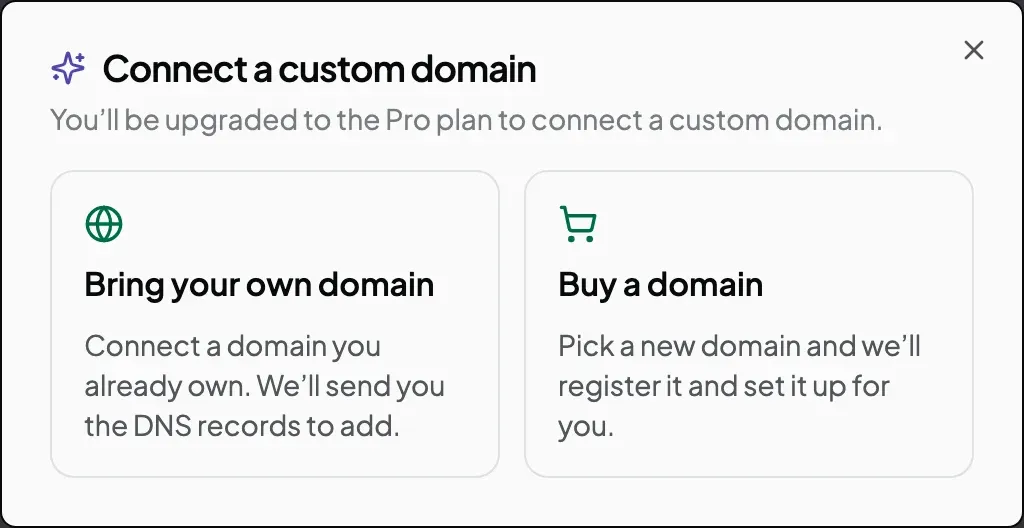
- In the Domain panel, click Connect a custom domain.
- Click Buy a domain.
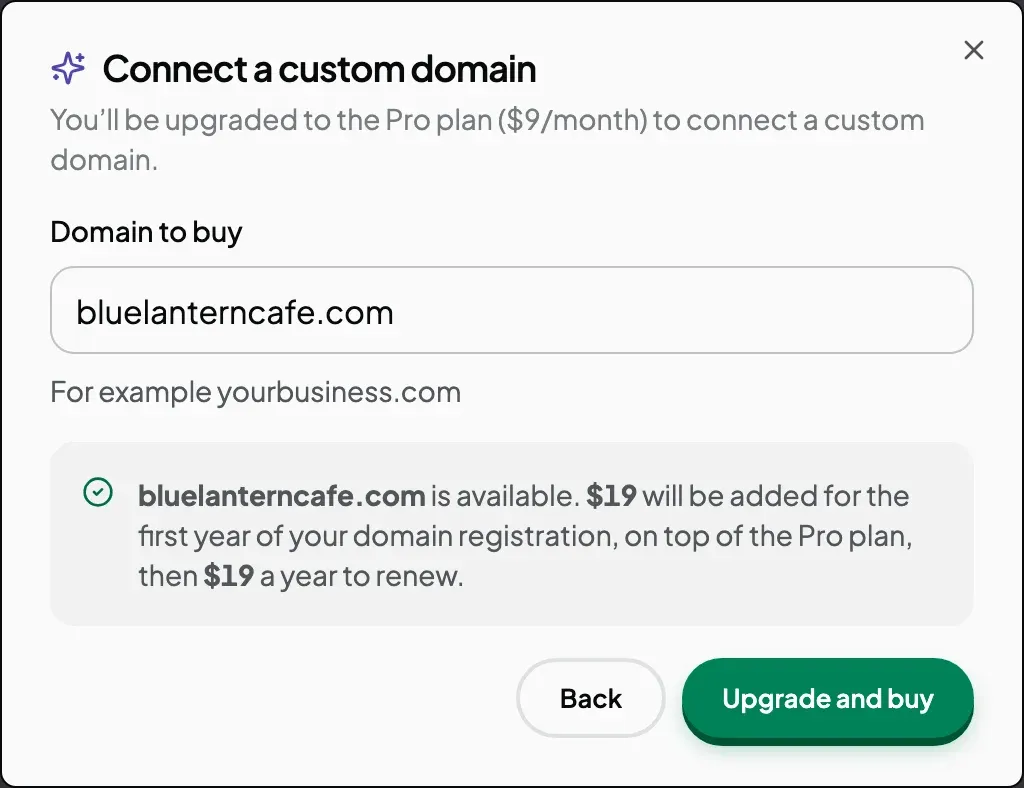
- In Domain to buy, type the name you want, for example
bluelanterncafe.com. Leave outwww.andhttps://. - Click Check availability.
If the name is free, Joybird shows two prices: what you pay now for the first year, and what it costs each year after that.
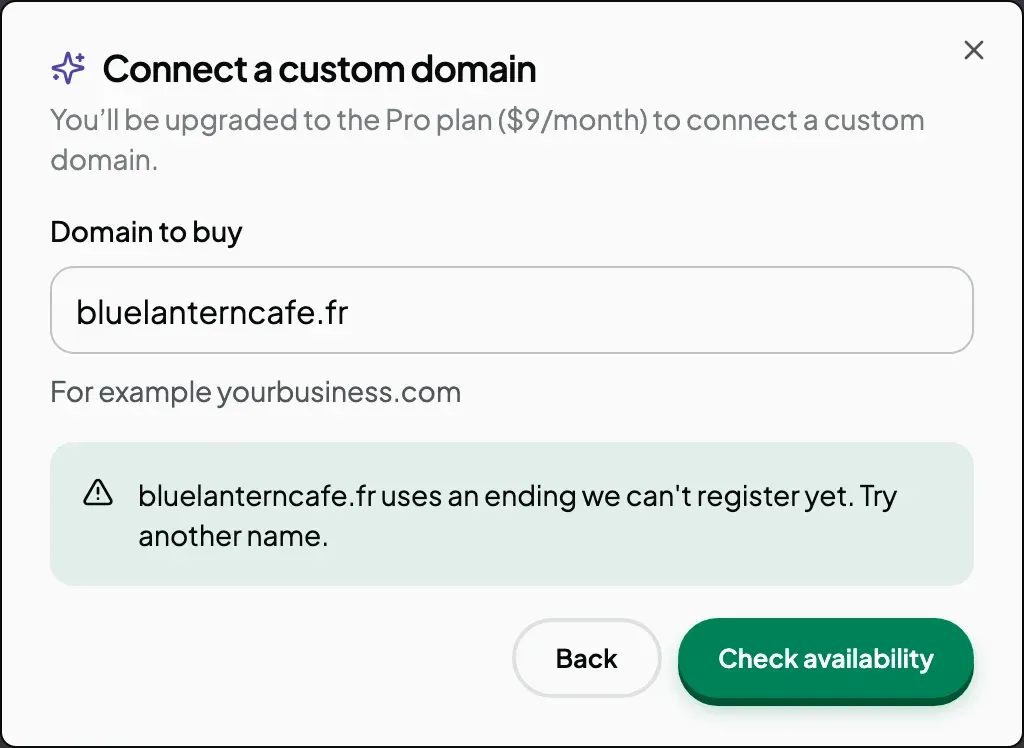
If the name is not free, the message says why. Change the name and click Check availability again.
| Message | What it means |
|---|---|
| ”…is already taken” | Someone else has registered this name. |
| ”…is a premium domain we can’t register” | The registry sells this name at a special, higher price. Joybird doesn’t sell these. |
| ”…uses an ending we can’t register yet” | Joybird can’t sell names with this ending, such as .fr. |
Prices
The price depends on the ending (the part after the last dot). Some endings cost less in the first year than in later years. The window always shows both prices before you pay.
Some popular endings:
| Ending | First year | Each year after |
|---|---|---|
.com | $19 | $19 |
.co | $39 | $39 |
.io | $39 | $59 |
.ai | $89 | $89 |
.store | $19 | $49 |
Prices are in US dollars. The window shows the current price, so check it there if it differs from this table.
Pay for the domain
- Click the button under the price:
- On the free plan, click Upgrade and buy. Checkout shows the Pro plan and the domain as separate lines.
- On Pro, click Buy bluelanterncafe.com (your domain name appears in the button). Checkout shows only the domain.
- Complete the payment.
Nothing is registered until the payment goes through. If you close Checkout without paying, nothing is bought.
Wait for it to go live
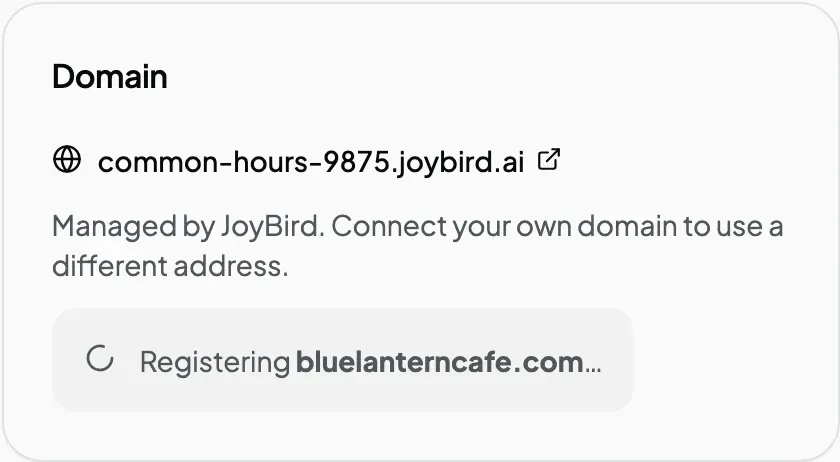
After you pay, you return to Site settings. The Domain panel shows how far the setup has got.
| Status | What it means |
|---|---|
| Payment received — setting up | Your payment arrived. Joybird is about to register the domain. |
| Registering | Joybird is registering the domain. |
| Registered — setting up DNS for | The domain is registered. Joybird is pointing it at your site. |
| Setting up your domain | The new settings are spreading across the internet. Nothing to do. |
| Checking your records and issuing the certificate | Joybird is setting up the padlock (secure connection) for your site. |
| Connected | Your site is live at your new domain. |
You don’t need to keep the page open. Joybird emails you when the domain is registered, and again when your site is live at it. The padlock is usually ready within the hour.
Expected result
The Domain panel shows your domain as a link marked Connected. Click it and your site opens at the address you bought, such as bluelanterncafe.com, with a padlock in the address bar.
If the purchase fails
If Joybird can’t register the domain after you have paid, the Domain panel says “We couldn’t set up” followed by your domain and the reason. You also get an email.
Your Pro plan stays active, and Joybird refunds what you paid for the domain. To ask about a refund, reply to that email or contact us.
Good to know
- Joybird manages the domain for you. It is registered through Joybird’s own account, and Joybird looks after its settings. To move the domain to another provider, contact us.
- Your site uses the address exactly as you bought it, such as
bluelanterncafe.com. Thewww.version is not set up as well.
Next steps
Still stuck? Contact us and we will help.